
IZ
Company Import specialises in bulk import and update of company records in Bitrix24 — with automatic linking to existing contacts, deduplication, and support for all custom fields.

 Company Import
Easily add new company records by uploading a properly formatted CSV file.
Modify existing company details by including their CRM ID in the import file.
Use the pipe symbol (||) to import multiple values for fields like phone numbers, emails, and addresses.
Import companies and automatically link to existing contacts in the same operation.
Define deduplication by company name, domain, or phone. Update existing records rather than creating duplicates.
Pre-import validation report showing which records will be created, updated, or rejected.
Maintaining accurate company data in Bitrix24 is critical for B2B sales teams. Company Import removes the tedium of manual data entry with a visual, validated, deduplicated bulk import process. Whether you're onboarding 100 or 100,000 companies, this tool makes it reliable and fast.
For new companies, leave the ID column blank. To update existing records, enter the CRM Company's element ID in the ID column. Ensure your file is comma-delimited with separate columns — not single-column comma-separated format. Maximum 50 columns per upload.
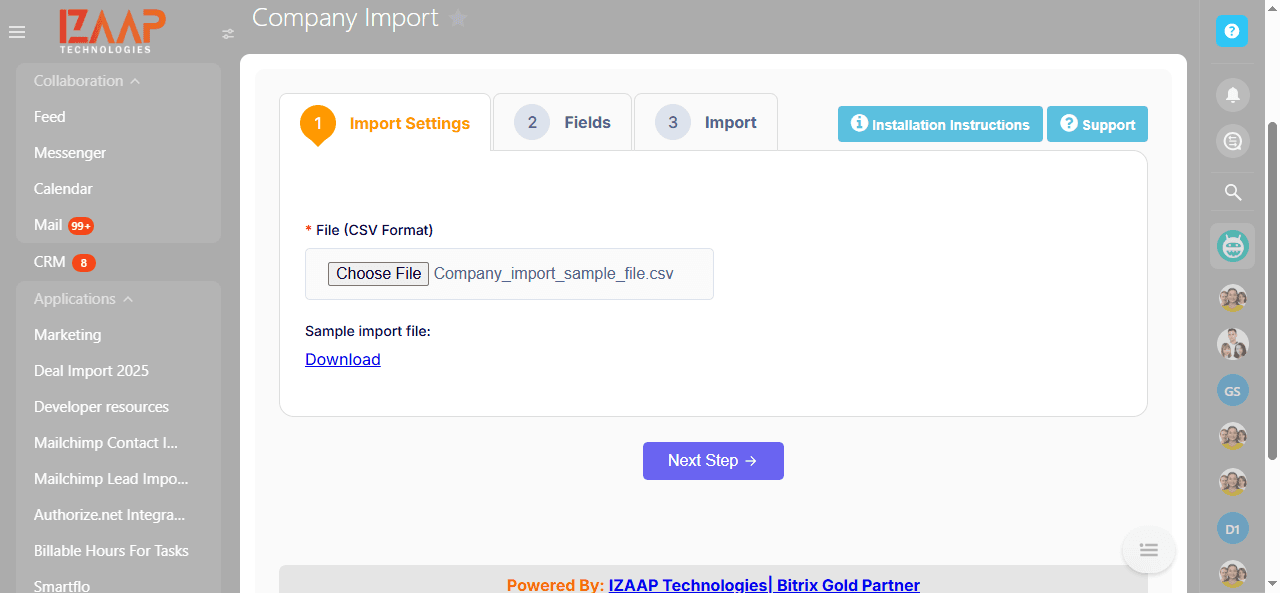
Upload your CSV file in the app. Click "Next Step" to proceed to the field mapping stage. If needed, refer to the formatting guide to convert your data.
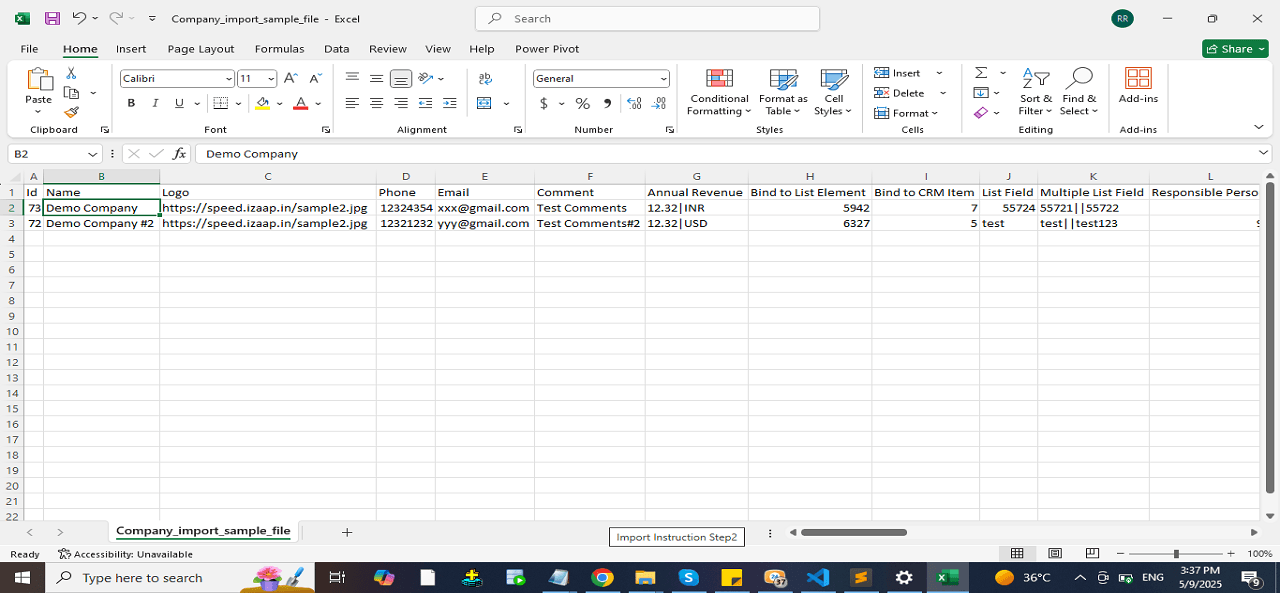
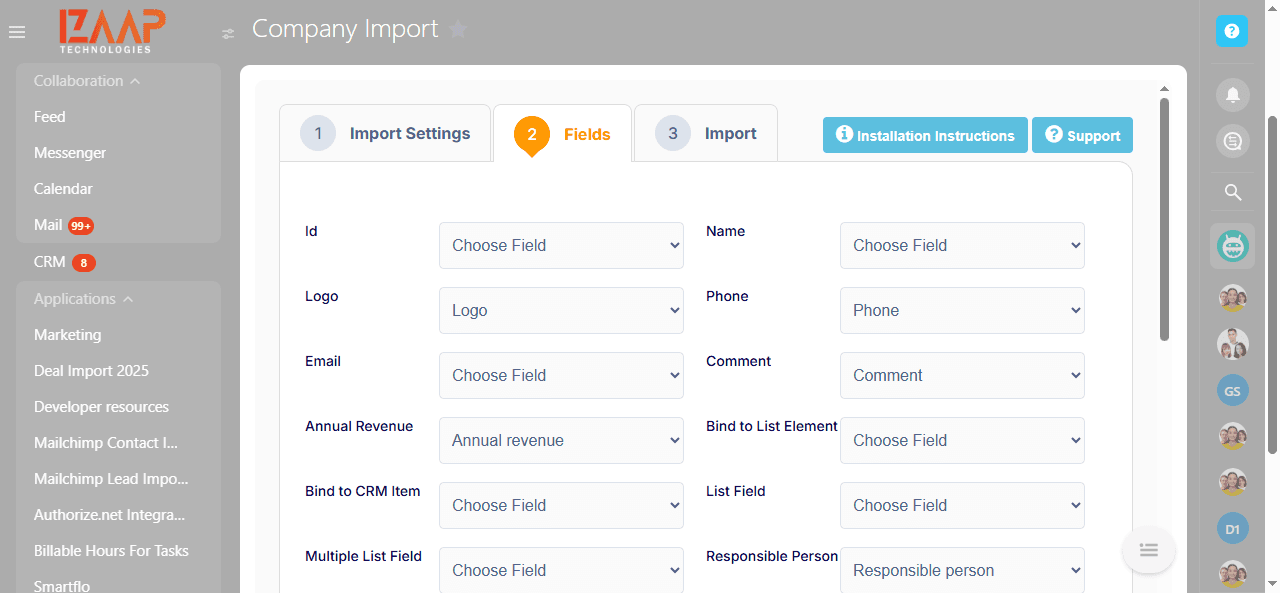
Map your CSV columns to the corresponding Bitrix24 company fields. A grid preview displays the imported data for verification before committing.
Submit the import file and monitor the counts of successful versus failed records in real time.
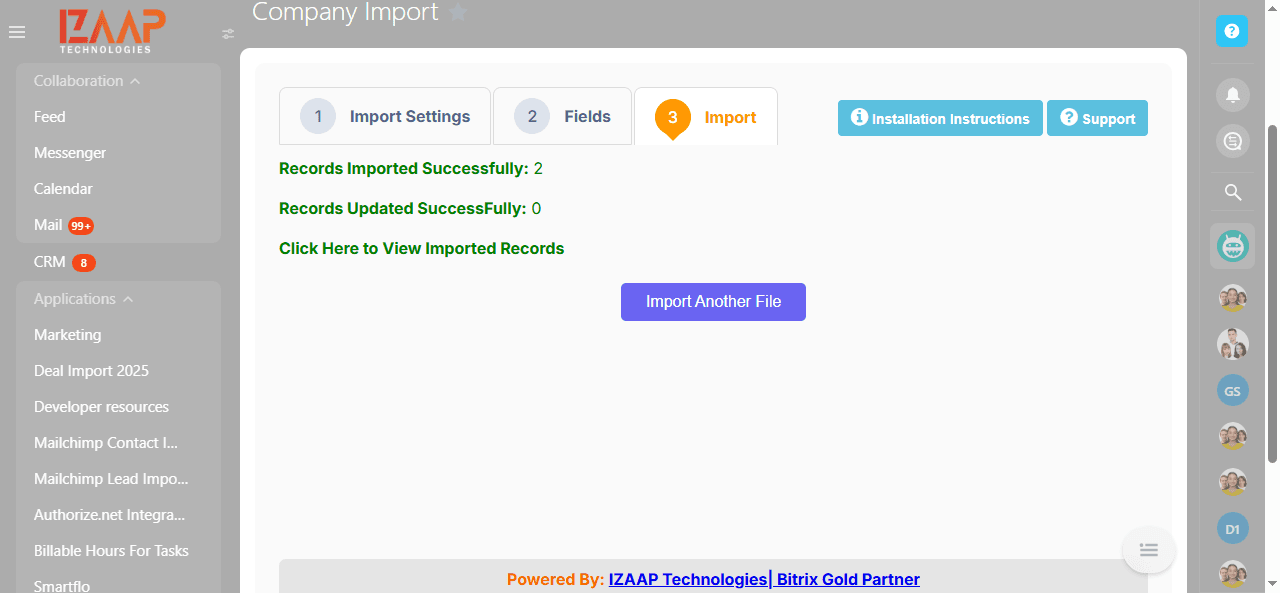
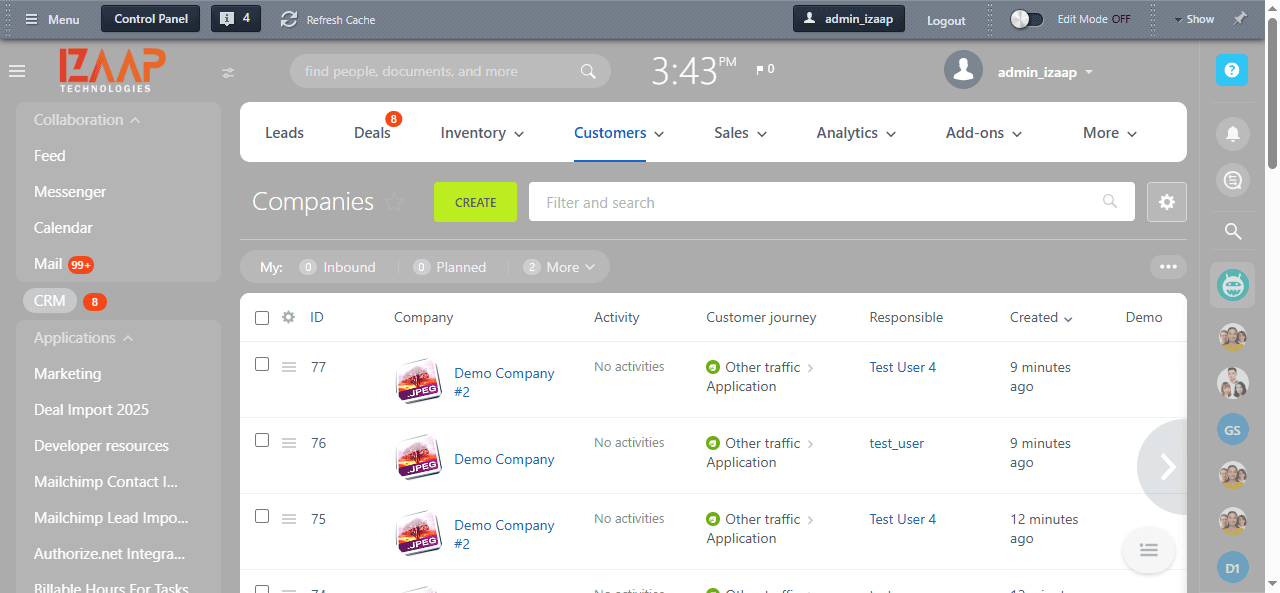
After completion, click "View Imported Records" to verify all data. For large files, use the batch import — 50 records per submission.
Join 50+ companies who trust IZAAP as their Bitrix24 Gold Partner.
Free consultation. No commitment. Just clarity.
📞 Call us now: +91 74280 94109 · ✉️ info@izaaptech.com