
IZ
List Import extends bulk import capabilities to any Bitrix24 list entity — product catalogues, custom lists, smart processes, and more. A universal import tool for the entire Bitrix24 platform.
 List Import
Easily add new entries to any Bitrix24 list by uploading a properly formatted CSV file.
Modify existing list item details by including the record ID in the import file.
Import to any Bitrix24 list: products, price lists, custom lists, smart processes.
Use the pipe symbol to import multiple values for fields such as tags, categories, or custom attributes.
Apply value transformation during import — format dates, capitalise strings, split columns.
Detailed error report for failed records with the specific reason for failure.
List Import is the universal data loader for Bitrix24. Unlike basic CRM imports that only handle contacts and deals, List Import works across all Bitrix24 list structures — giving you the power to populate product catalogues, custom entities, and smart processes from any spreadsheet.
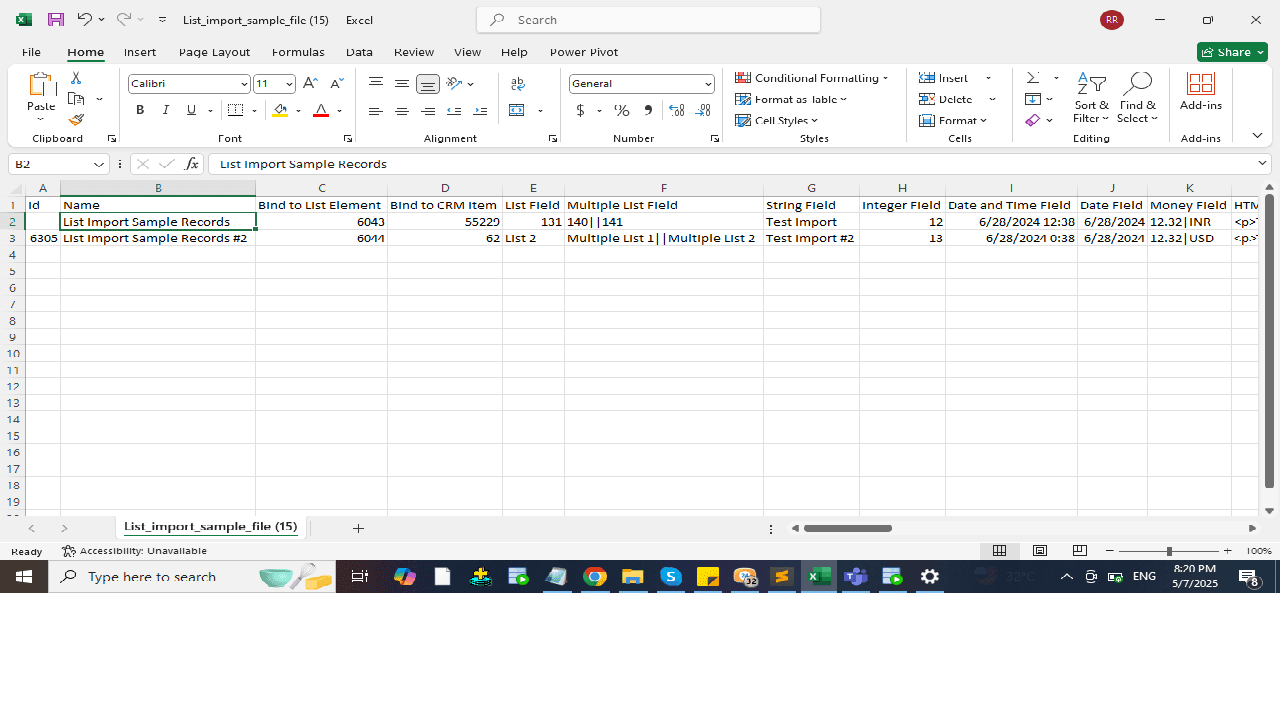
For new list items, leave the ID column blank. To update existing records, enter the List Item's element ID. Ensure your file is comma-delimited with separate columns. Maximum 50 columns per upload. For larger files, use batch import (50 records per submission).
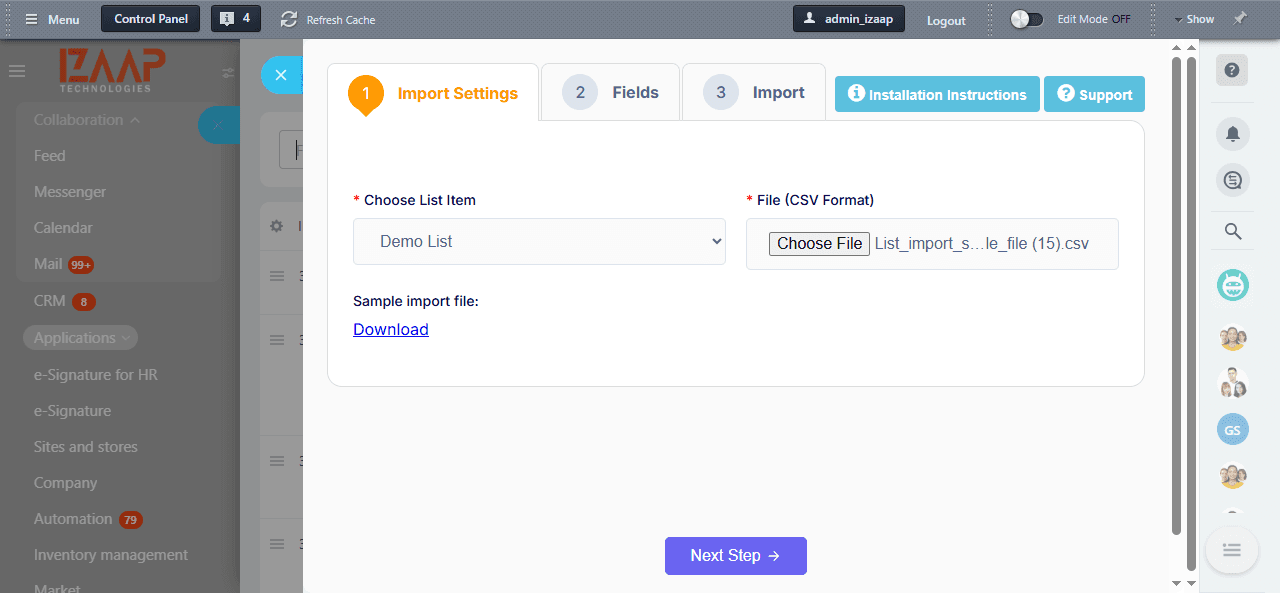
In the app, select the relevant Bitrix24 List you want to import into. Upload your CSV file and click "Next Step".
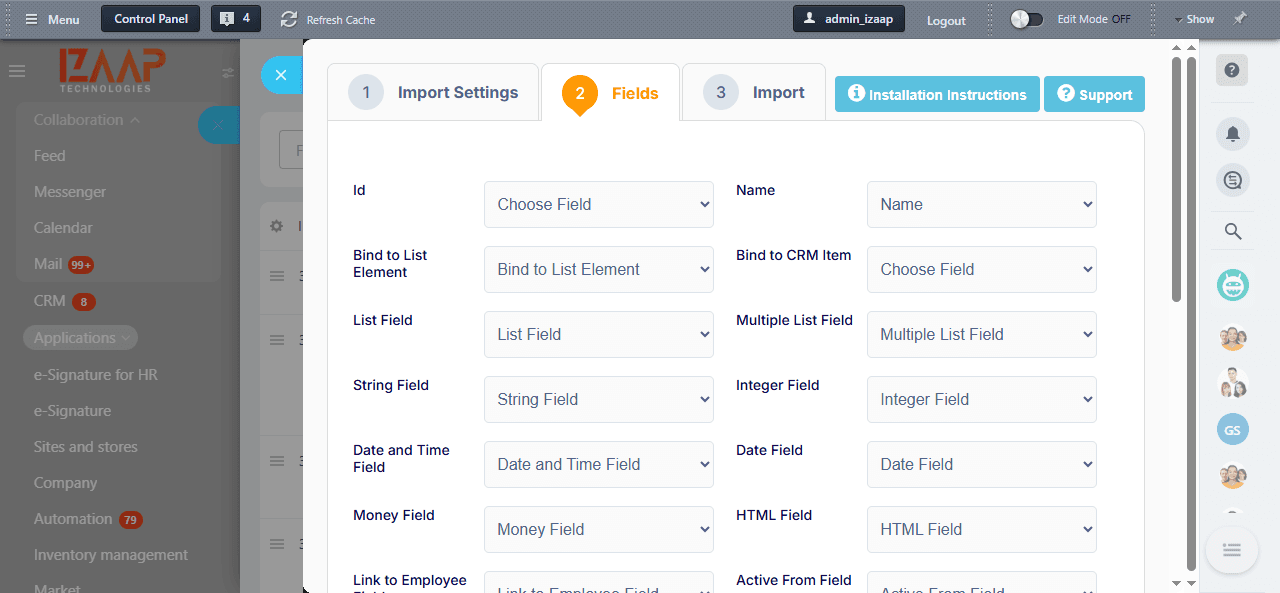
Map your CSV columns to the corresponding Bitrix24 list fields. The platform displays a grid preview of your data before you commit.
Submit the import and monitor the count of successfully imported versus failed records.
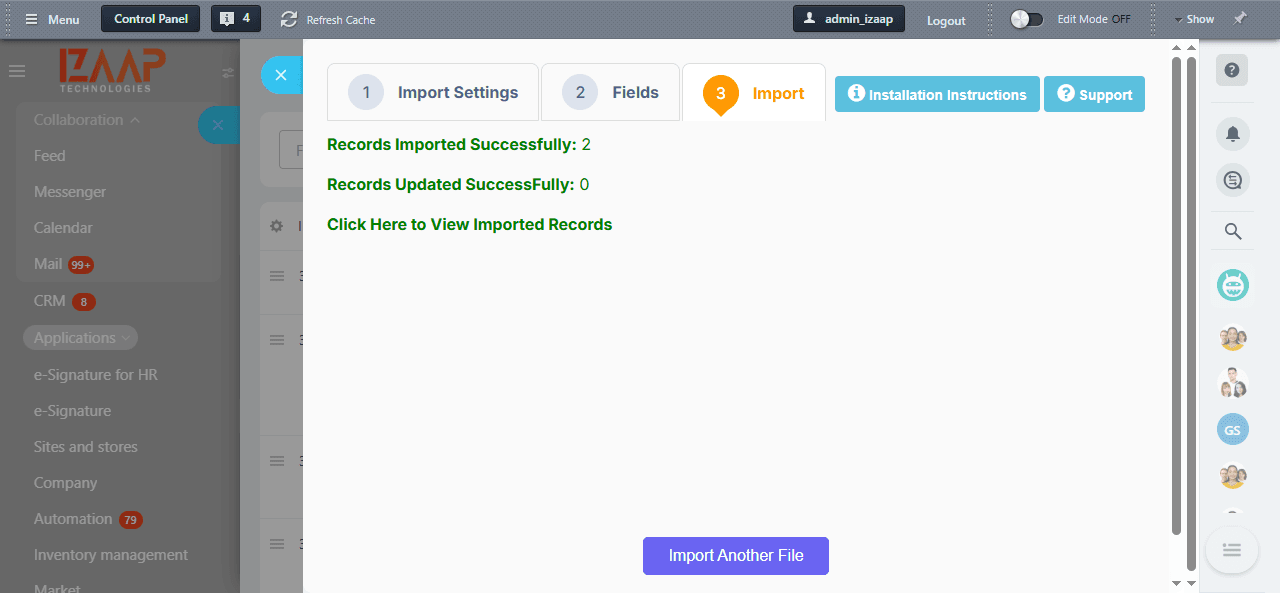
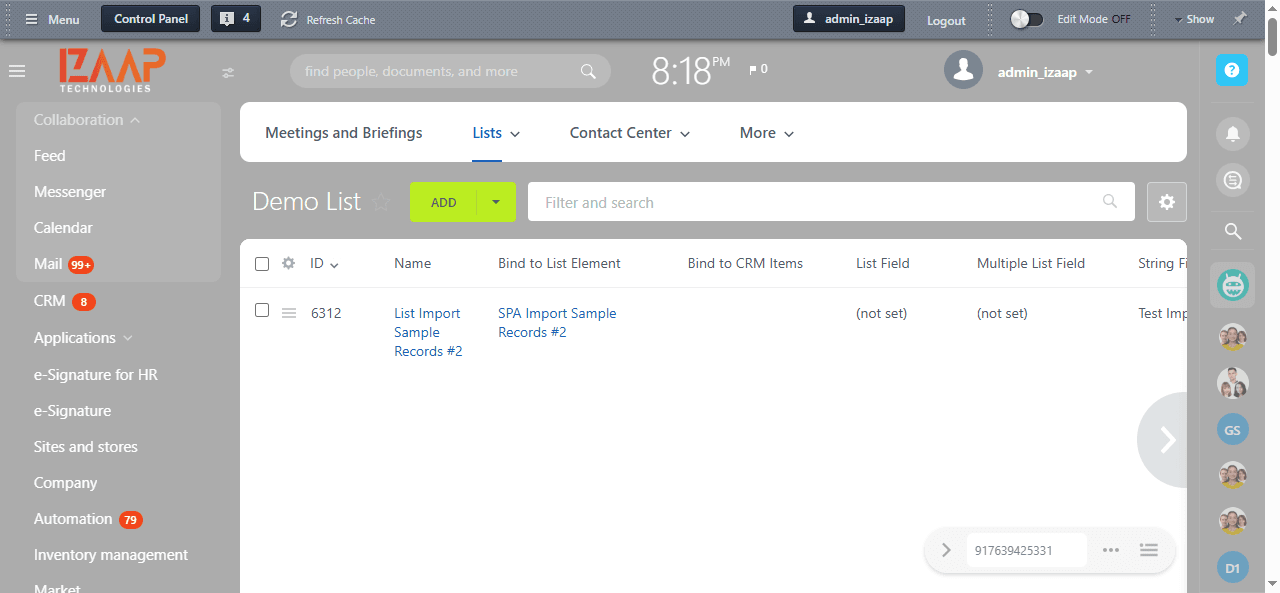
Click "View Imported Records" to verify the results. Click "Import Another File" to process additional batches.
Join 50+ companies who trust IZAAP as their Bitrix24 Gold Partner.
Free consultation. No commitment. Just clarity.
📞 Call us now: +91 74280 94109 · ✉️ info@izaaptech.com